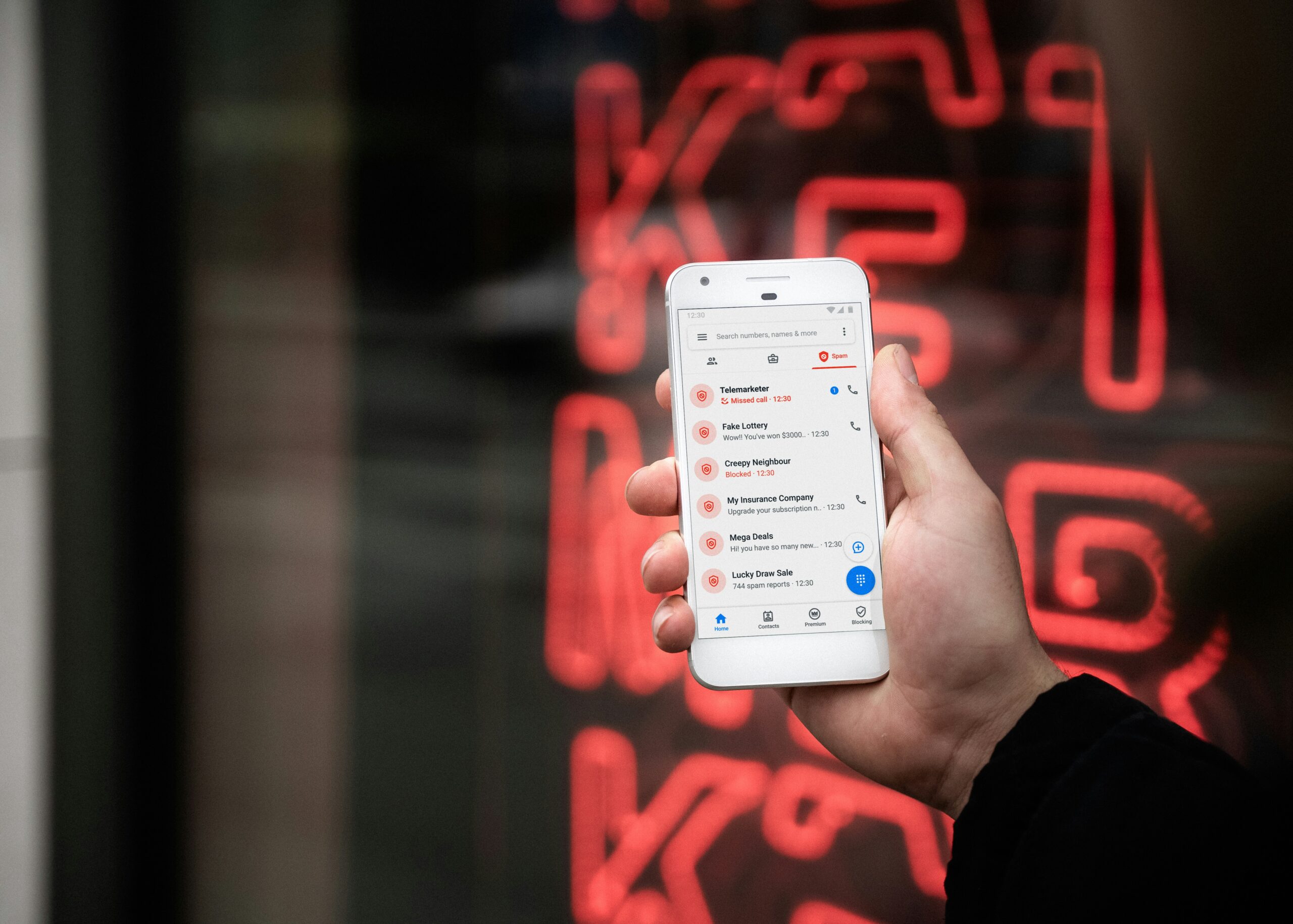
If you’re getting bombarded with robocalls every day, you’re not alone. Americans received over 55 billion robocalls last year — that’s roughly 170 per person. And despite every effort to block them, they keep coming from new numbers.
Most guides tell you to block numbers and download a call-blocking app. That helps a little, but it doesn’t stop robocalls at the source. This guide covers both — the quick phone settings that provide immediate relief AND the long-term fix that actually reduces the volume permanently.
In this guide:
- How to block robocalls on iPhone (built-in settings)
- How to block robocalls on Android (built-in settings)
- Why blocking doesn’t actually solve the problem
- The one method that actually stops robocalls long-term
Want the real fix? Robocalls keep coming because data brokers are selling your phone number. Run a free Optery scan to see how many sites have your number listed right now — then remove it.
How to Stop Robocalls on iPhone
Apple has built several features into iOS to help you stop robocalls. Here’s how to enable them all:
Silence Unknown Callers
This is the most powerful built-in tool on iPhone. It sends all calls from numbers not in your contacts, recent calls, or Siri suggestions straight to voicemail — silently. No ring, no interruption.
How to enable it: Go to Settings → Phone → Silence Unknown Callers → toggle ON.
The caller can still leave a voicemail, and the call will appear in your recent calls list. Legitimate callers will leave a message. Robocalls won’t.
The trade-off: You’ll miss calls from legitimate numbers you don’t have saved — like a doctor’s office, a delivery driver, or someone calling back from a number you don’t recognize. Most people find this trade-off worth it, but be aware of it.
Block Individual Numbers
When a robocall does get through, you can block that specific number:
How to block: Open your Phone app → Recents → tap the (i) icon next to the number → scroll down → Block this Caller.
This prevents that specific number from calling again. But as we’ll explain later, robocallers use spoofed numbers — so blocking one number rarely stops the calls.
Report Junk Calls
If you use a carrier like T-Mobile, AT&T, or Verizon, your iPhone may show a “Report Junk” option when you receive a suspected spam call. Reporting helps your carrier improve its spam detection for all users.
Enable Your Carrier’s Spam Filter
Most major carriers offer free spam-blocking tools:
T-Mobile: Scam Shield (free) — automatically identifies and blocks likely scam calls.
AT&T: ActiveArmor (free tier available) — labels and blocks suspected spam.
Verizon: Call Filter (free tier available) — screens incoming calls and warns you about potential spam.
Check your carrier’s app store listing or call customer service to activate these features if they’re not already enabled.
How to Stop Robocalls on Android
Android devices have robust built-in tools to stop robocalls. Here’s how to set them up:
Enable Spam and Call Screen
Google’s Phone app (default on Pixel and many Android phones) has excellent built-in spam filtering:
How to enable it: Open the Phone app → tap the three-dot menu → Settings → Spam and Call Screen → toggle on “See caller and spam ID” and “Filter spam calls.”
This automatically identifies likely spam callers and can send them straight to voicemail. On Pixel phones, the Google Assistant can even screen calls for you — answering and asking who’s calling before you pick up.
Samsung Devices: Smart Call
Samsung phones have their own spam detection built into the default Phone app:
How to enable it: Open Phone app → Settings → Caller ID and spam protection → toggle ON.
This uses a database of known spam numbers to warn you or automatically block suspected robocalls.
Block Individual Numbers
How to block: Open Phone app → Recent calls → tap and hold the number → Block/report spam.
Same caveat as iPhone — blocking individual numbers has limited effectiveness against spoofed robocalls.
Enable Your Carrier’s Spam Filter
The same carrier tools mentioned for iPhone work on Android too — T-Mobile Scam Shield, AT&T ActiveArmor, and Verizon Call Filter. Check your carrier’s app in the Google Play Store.
Why Blocking Numbers Doesn’t Actually Stop Robocalls
You’ve enabled every filter, blocked dozens of numbers, and installed a call-blocking app. But the robocalls keep coming. Here’s why all of these methods have a fundamental limitation:
Robocallers use spoofed numbers. The number showing on your caller ID isn’t real. Robocall operations use technology that generates a different fake number for every call — sometimes even numbers that look local to your area code. Blocking a spoofed number only blocks a number that will never be used again.
There’s an infinite supply of numbers. Even if you could block every number that calls you, robocallers rotate through millions of phone numbers. Block 50 today, 50 new ones call tomorrow.
Call-blocking apps are reactive, not proactive. Apps like Nomorobo, Hiya, and RoboKiller rely on databases of known spam numbers. They catch calls from numbers that have already been reported — but new spoofed numbers won’t be in the database yet.
The Do Not Call Registry is almost useless. The FTC’s Do Not Call list only applies to legitimate telemarketers. Illegal robocall operations — which make up the vast majority of spam calls — ignore it entirely.
All of these methods treat the symptoms. None of them address the root cause: your phone number is being sold by data brokers.
The Only Way to Actually Stop Robocalls (Fix the Root Cause)
Here’s what most “how to stop robocalls” guides won’t tell you:
The reason robocallers have your phone number is because data brokers are selling it. Your number is listed on an estimated 200-600+ data broker sites right now, packaged with your name and other personal details. Robocall operations buy these lists in bulk and dial every number automatically.
The only way to actually reduce robocall volume long-term is to remove your phone number from data broker sites.
When your number is removed from these databases, there’s nothing left for robocall operations to buy. No listed number means fewer calls. Users who take this approach consistently report significant reductions in robocall volume within the first 1-2 months.
How to Remove Your Number from Data Broker Sites
Option 1: Do it yourself (free but brutal). Visit each data broker site individually — Whitepages, Spokeo, BeenVerified, TruePeopleSearch, and 100+ more — find your listing, and submit an opt-out request. Each site has a different process. The whole thing takes 40-80 hours, and you have to repeat it every few months because brokers re-list your data. Full walkthrough: How to Remove Your Personal Information from the Internet.
Option 2: Use an automated removal service (recommended). These services handle everything — scanning data broker sites for your information, submitting opt-out requests, and continuously monitoring for re-listings. This is the only approach that works long-term.
Optery — Our top recommendation. Start with their free scan to see exactly which data broker sites have your phone number listed. Paid plans ($39-$249/year) automate removal from 350+ sites with continuous monitoring. Ranked #1 most effective by Consumer Reports. Read our full Optery review →
Incogni — Best budget option. Covers 180+ data brokers for just $6.49/month billed annually ($77.88/year). The most affordable path to getting your phone number off data broker sites. Read our full Incogni review →
DeleteMe — Most established brand. Operating since 2011, $129/year. Read our full DeleteMe review →
For a complete comparison: Best Data Removal Services of 2026 (Compared).
The Complete Anti-Robocall Action Plan
For maximum protection against robocalls, combine the phone settings with data broker removal. Here’s the full plan:
Right now (5 minutes):
- Enable Silence Unknown Callers (iPhone) or Spam and Call Screen (Android)
- Activate your carrier’s free spam filter (T-Mobile Scam Shield, AT&T ActiveArmor, or Verizon Call Filter)
Today (2 minutes):
- Run a free Optery scan to see how many data broker sites have your phone number listed
This week:
- Remove your phone number from data broker sites — either manually or through Optery or Incogni
- Get a Google Voice number and start using it for online signups instead of your real number
- Remove your phone number from all social media profiles
Ongoing:
- Keep your spam filters enabled
- Never answer unknown numbers (if it’s important, they’ll leave a voicemail)
- Never press any buttons during a robocall (it confirms your number is active)
- Let automated data broker monitoring keep your number off broker sites permanently
The phone settings provide immediate relief. The data broker removal provides lasting results. Together, they’re the most effective strategy to stop robocalls for good.
Frequently Asked Questions
What’s the best way to stop robocalls on iPhone?
Enable Silence Unknown Callers (Settings → Phone → Silence Unknown Callers) for immediate relief. Then remove your phone number from data broker sites to stop calls at the source. Run a free Optery scan to see where your number is listed.
What’s the best way to stop robocalls on Android?
Enable Spam and Call Screen in the Phone app settings. Activate your carrier’s spam filter. Then address the root cause by removing your phone number from data broker sites using Optery or Incogni.
Why do I keep getting robocalls from different numbers?
Robocallers use “spoofing” technology that generates a different fake phone number for every call. That’s why blocking individual numbers doesn’t work — the number on your caller ID isn’t real. Learn more about why you get spam calls.
Does the Do Not Call Registry stop robocalls?
Not effectively. The registry only applies to legitimate telemarketers. Illegal robocall operations — which make up most unwanted calls — ignore it completely. The only effective approach is removing your phone number from the data broker sites that sell it.
Do call-blocking apps actually work?
They help filter known spam numbers, but they can’t keep up with spoofed numbers that change with every call. They’re a useful supplement but not a complete solution. Combining a call-blocking app with data broker removal gives you the best results.
How do robocallers get my phone number?
Data brokers sell your phone number in bulk lists to telemarketers and robocall operations. Your number ends up on these broker sites through public records, online forms, social media, and data breaches. Learn how your phone number is linked to your address and other data.
Will removing my number from data brokers actually reduce robocalls?
Yes. Users consistently report significant reductions in robocall volume within 1-2 months of removing their phone number from data broker sites. As fewer robocall operations have access to your number, the call volume decreases. Services like Incogni ($6.49/month) and Optery (free scan, paid plans from $39/year) handle this automatically. Is Incogni worth it? Our full analysis →
This post contains affiliate links. If you purchase through our links, we may earn a commission at no extra cost to you. See our affiliate disclosure for details.