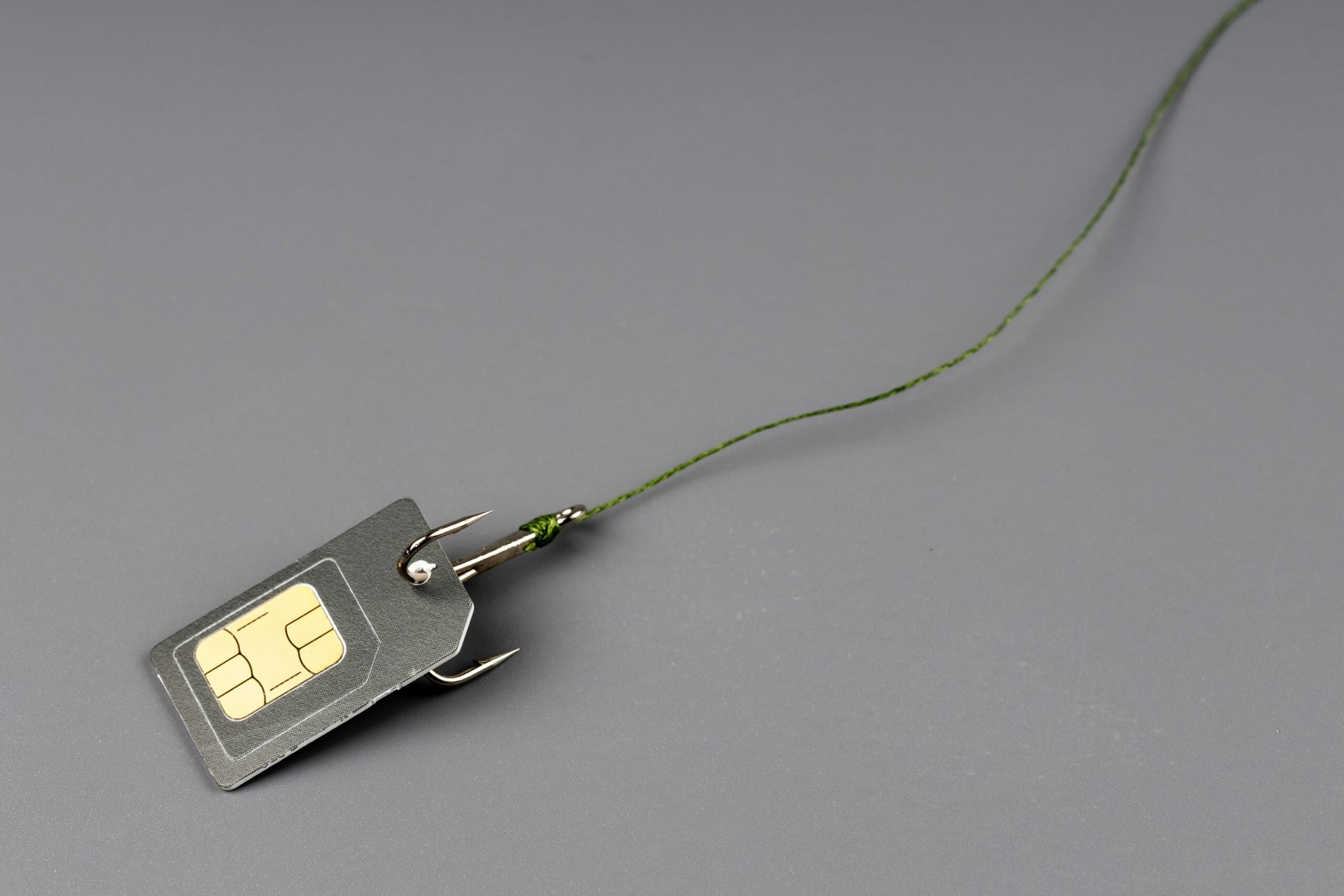
Imagine waking up one morning and your phone has no signal. No calls, no texts, no data. You restart it — nothing. You call your carrier from another phone and discover that someone called them pretending to be you, convinced them to transfer your phone number to a new SIM card, and now they control your number.
Within minutes, they’ve used your phone number to reset your email password, access your bank accounts, drain your crypto wallet, and lock you out of everything. This is SIM swapping — and it’s one of the fastest-growing cybercrimes in America.
Here’s how it works, why data brokers make it possible, and how to protect yourself.
In this post:
- What SIM swapping is and how it works
- How criminals get the information they need (data brokers)
- What happens when your number is hijacked
- How to protect yourself from SIM swapping
- What to do if you’ve been SIM swapped
Your phone number is the key. Criminals need your personal details to convince your carrier to transfer your number. Those details are sitting on data broker sites right now. Run a free Optery scan to see how exposed you are.
What Is SIM Swapping?
SIM swapping (also called SIM hijacking or SIM jacking) is when a criminal convinces your phone carrier to transfer your phone number from your SIM card to a SIM card they control. Once the transfer is complete, all calls and texts to your number go to the criminal’s phone — including the verification codes your bank, email, and other accounts send for two-factor authentication.
It’s not a hack in the traditional sense. The criminal doesn’t break into a computer system. Instead, they use social engineering — calling your carrier’s customer service line and impersonating you. They provide your personal details to pass the carrier’s identity verification, then request a SIM transfer.
The entire attack can be completed in under an hour. And once your number is transferred, the criminal has the keys to your digital life.
How Criminals Pull Off a SIM Swap
A SIM swapping attack follows a predictable pattern — and it starts with your personal information:
Step 1: Gathering your personal data. The criminal needs enough personal information about you to pass your carrier’s identity verification. This typically includes your full name, phone number, date of birth, address, and the last four digits of your Social Security number. Where do they get this?
- Data broker sites — your name, address, phone number, date of birth, and family members are freely available on sites like Whitepages, Spokeo, and BeenVerified
- Data breaches — leaked databases often contain SSN fragments, account details, and security question answers
- Dark web — complete identity packages (“fullz”) are sold for $30-100
- Social media — your birthday, employer, pet’s name, and other details commonly used in security questions
Step 2: Contacting your carrier. The criminal calls your phone carrier’s customer service line (AT&T, Verizon, T-Mobile, etc.) and claims to be you. They say they lost their phone or need a new SIM card. They provide your personal details to verify their identity.
Step 3: Passing verification. Using the information gathered from data brokers and breaches, the criminal answers security questions and verifies their identity. Many carriers use basic questions that data broker information can answer — mother’s maiden name, previous addresses, date of birth.
Step 4: Transferring the number. Once the carrier is convinced they’re talking to you, they transfer your phone number to the criminal’s SIM card. Your phone immediately loses service.
Step 5: Taking over accounts. With your phone number in hand, the criminal requests password resets on your email, banking, social media, and cryptocurrency accounts. The verification codes go to their phone. Within minutes, they’re in your accounts and you’re locked out.
What Can a SIM Swapper Do with Your Phone Number?
Once a criminal completes a SIM swap and controls your phone number, they can:
Access your email. Most email providers offer phone-based password recovery. Once the criminal resets your email password, they have access to every other account that uses that email for recovery — which is basically everything.
Drain your bank accounts. Banking apps and websites use SMS verification. With your phone number, the criminal can reset your banking password and authorize transfers.
Steal cryptocurrency. Crypto accounts are high-value targets for SIM swappers. Once they access your exchange account, they transfer your crypto to their own wallet. Cryptocurrency transactions are irreversible — the money is gone.
Take over social media. Your Instagram, Twitter/X, Facebook, and other accounts can all be reset using phone-based verification. Criminals either sell these accounts or use them for additional scams.
Commit identity theft. With access to your email and phone number, criminals can open new accounts, file tax returns, and commit fraud in your name.
Lock you out permanently. After taking over your accounts, criminals change passwords, recovery emails, and phone numbers — making it extremely difficult for you to regain access even after you’ve recovered your phone number.
How Data Brokers Make SIM Swapping Possible
Here’s the connection most people miss: SIM swapping relies on the criminal knowing your personal details — and data brokers provide those details for free.
When a criminal calls your carrier pretending to be you, they need to answer identity verification questions. Data broker sites provide:
Your full name and date of birth — standard verification questions answered by any people search site
Your current and past addresses — carriers often ask “what’s the address on the account?” Data brokers list your current address and address history going back decades
Your family members’ names — security questions like “mother’s maiden name” are answered by data broker profiles that list your relatives
Your phone number itself — criminals find your carrier from your phone number, then call that carrier to initiate the swap
The more personal information available about you on data broker sites, the easier it is for a criminal to pass your carrier’s verification and complete the SIM swap. Removing your data from these sites directly reduces your risk.
Run a free Optery scan to see how much of the information a SIM swapper would need is currently available about you on data broker sites.
How to Protect Yourself from SIM Swapping
Here’s your complete SIM swapping prevention plan:
Step 1: Add a PIN or Passcode to Your Carrier Account
This is the single most important step. Contact your carrier and set up a PIN or passcode that must be provided before any account changes — including SIM transfers — can be made.
AT&T: Set up an “Extra Security” passcode through your account settings or by calling customer service
Verizon: Set a “Account PIN” through My Verizon or by calling 611
T-Mobile: Set up “Account Security” PIN through your T-Mobile account or in-store
This PIN is separate from your device passcode. Even if a criminal knows your personal details, they can’t make account changes without this PIN.
Step 2: Remove Your Data from Data Broker Sites
Cut off the information supply that makes SIM swapping possible. When your personal details aren’t publicly available on data broker sites, criminals can’t easily gather the information needed to impersonate you.
Optery — Our top recommendation. Free scan to see your exposure. Paid plans ($39-$249/year) automate removal from 350+ data broker sites with continuous monitoring. Read our full Optery review →
Incogni — Best budget option. Covers 180+ data brokers for $6.49/month billed annually. Read our full Incogni review →
Step 3: Switch from SMS to App-Based 2FA
SMS-based two-factor authentication is vulnerable to SIM swapping — that’s the whole point of the attack. Switch to app-based 2FA wherever possible:
Use an authenticator app — Google Authenticator, Authy, or Microsoft Authenticator generate codes on your device that can’t be intercepted by a SIM swapper
Use hardware security keys — Physical keys like YubiKey provide the strongest protection against account takeovers. They can’t be phished or SIM swapped
Start with your most critical accounts: email, banking, cryptocurrency, and social media.
Step 4: Freeze Your Credit
Freeze your credit with all three bureaus to prevent SIM swappers from using your stolen information to open new accounts in your name.
Step 5: Use a Secondary Phone Number for Online Accounts
Get a Google Voice number and use it for non-essential online accounts. If your primary number gets SIM swapped, accounts tied to your Google Voice number remain safe.
Step 6: Set Up Account Alerts
Enable notifications from your carrier for any account changes — SIM changes, device changes, plan changes. This gives you early warning if someone attempts a SIM swap.
What to Do If You’ve Been SIM Swapped
If your phone suddenly loses service and you suspect a SIM swap:
1. Contact your carrier immediately. Call from another phone. Tell them your number was stolen via SIM swap and request an immediate transfer back to your SIM card. Go to a physical store if possible — in-person verification is faster.
2. Change your email password. Your email is the master key. If the criminal hasn’t changed it yet, change it immediately and enable app-based 2FA.
3. Secure your financial accounts. Contact your bank and any financial institutions. Request temporary account freezes. Change passwords and enable non-SMS 2FA.
4. Freeze your credit immediately. Contact Equifax, Experian, and TransUnion to prevent the criminal from opening new accounts.
5. File a police report. SIM swapping is a crime. File a report and keep the report number for insurance claims and account recovery.
6. File an FTC complaint. Report the incident at reportfraud.ftc.gov.
7. Document everything. Screenshot all unauthorized transactions, account changes, and communications. You’ll need this documentation for disputes with your bank and carrier.
Protect Your Phone Number Today
SIM swapping is preventable — but only if you take action before it happens. Once your number is transferred, the damage happens in minutes.
- Set up a carrier PIN — call your carrier today and add a security PIN to your account (5 minutes)
- Run a free Optery scan — see how much personal information is available about you on data broker sites
- Remove your data from broker sites — use Optery or Incogni to cut off the information supply
- Switch to app-based 2FA — stop using SMS verification on critical accounts
- Freeze your credit — prevent identity theft if your data is compromised
Your phone number is the key to your digital life. Don’t let someone else hold it.
Frequently Asked Questions
What is SIM swapping in simple terms?
SIM swapping is when a criminal tricks your phone carrier into transferring your phone number to their SIM card. Once they control your number, they can intercept your verification codes and take over your email, banking, and other accounts.
How do criminals get my information for a SIM swap?
Primarily from data broker sites that publicly list your name, address, phone number, date of birth, and family members. Also from data breaches, the dark web, and social media. Run a free Optery scan to see how exposed you are.
How do I know if I’ve been SIM swapped?
The first sign is your phone suddenly losing cellular service — no calls, no texts, no data. You may also receive unexpected notifications about account changes or password resets you didn’t request. If your phone loses service unexpectedly, contact your carrier immediately.
Can a carrier PIN prevent SIM swapping?
A carrier PIN is the most effective single defense. It requires anyone making account changes (including SIM transfers) to provide the PIN first. Set one up with your carrier today — it takes 5 minutes.
Is SMS two-factor authentication safe?
SMS 2FA is better than no 2FA, but it’s vulnerable to SIM swapping. App-based 2FA (Google Authenticator, Authy) is significantly more secure because the codes are generated on your device and can’t be intercepted via SIM swap. Switch critical accounts to app-based 2FA.
Can removing my data from data brokers prevent SIM swapping?
It significantly reduces your risk. SIM swappers rely on your personal information being publicly available to impersonate you to your carrier. Removing that information from data broker sites using Optery or Incogni makes it much harder for criminals to gather what they need.
What should I do first if I’ve been SIM swapped?
Contact your carrier immediately from another phone to reverse the SIM transfer. Then secure your email account (change password, enable app-based 2FA), contact your bank, and freeze your credit. Act within minutes — every second counts.
This post contains affiliate links. If you purchase through our links, we may earn a commission at no extra cost to you. See our affiliate disclosure for details.